
How to Plan a Studio Content Day in Miami: Timeline + Shot List

A practical guide for brands, creators, and photographers who want to capture more content in less time without wasting their studio rental.
A studio content day can save you a huge amount of time, money, and stress, but only if you plan it well.

A lot of people book a beautiful studio, show up with a vague idea, and then waste half the session deciding what to shoot first, what outfits to use, or how to move through the space. By the time they get organized, the rental is halfway over and the content still feels incomplete.
The good news is that this is avoidable.
If you are planning a studio content day in Miami, the goal should not be to just fill the time. The goal should be to leave with a strong mix of content that actually serves your brand, campaign, or business. That means going in with a timeline, a shot list, and a clear idea of how to use the studio efficiently.
Whether you are a creator shooting social content, a founder building brand assets, a photographer batching client work, or a small business updating product imagery, this guide will help you structure the day so it feels productive from start to finish.
What is a studio content day?
A content day is exactly what it sounds like. You block off dedicated time to create a large volume of content in one session instead of trying to shoot small pieces here and there throughout the month.
For some people, that means filming reels, taking headshots, shooting product photos, and capturing behind-the-scenes clips all in the same rental. For others, it means building out a month of Instagram content, website photos, launch visuals, or e-commerce imagery in one place.
This works especially well in a studio because the environment is controlled. You do not have to deal with Miami weather, changing light, outside noise, or location changes. You can move faster, stay more organized, and get cleaner results.
A good content day should give you:
- hero images for your website or landing pages
- vertical content for Instagram and TikTok
- clean product or brand photos
- extra lifestyle images for future posts
- headshots or team images if needed
- short-form video clips you can reuse later
The more intentional the plan, the more valuable the studio rental becomes.

Start with one question: what content do you actually need?
Before you build a timeline, figure out the purpose of the shoot.
This is where many people go wrong. They focus on what would be nice to have instead of what they actually need. That leads to random content that looks good but does not do much for the business.
Start by asking:
- What am I creating content for?
- What platforms will this live on?
- What does my audience need to see?
- What content am I missing right now?
- What content can I reuse across multiple places?
For example, if you are a service provider, you may need:
- updated headshots
- behind-the-scenes images
- laptop working shots
- client-facing brand photos
- reels introducing your services
If you sell products, you may need:
- clean white-background product photos
- styled flat lays
- detail shots
- packaging photos
- hands-in-frame content
- video clips for ads or social media
If you are a creator, you may need:
- talking-head videos
- multiple outfit photos
- casual lifestyle shots
- podcast or interview clips
- social-first vertical content
Once you define the real content needs, the rest of the day gets easier to organize.
How long should you book?
A lot depends on how many looks and deliverables you need, but in general:
2 hours works for quick headshots, a short branding session, or a few focused looks.
4 hours is usually the sweet spot for a solid content day with outfit changes and multiple setups.
6 to 8 hours makes sense for larger campaigns, product shoots, team content, or brands trying to batch a full month or season of content.
If you want variety, do not underestimate how much time transitions take. Changing outfits, moving props, adjusting lighting, and resetting the set always takes longer than people think.
For most Miami content days, a half-day studio rental is the safest starting point. It gives you enough time to move with intention without making the day feel rushed.
Build your content day in sections
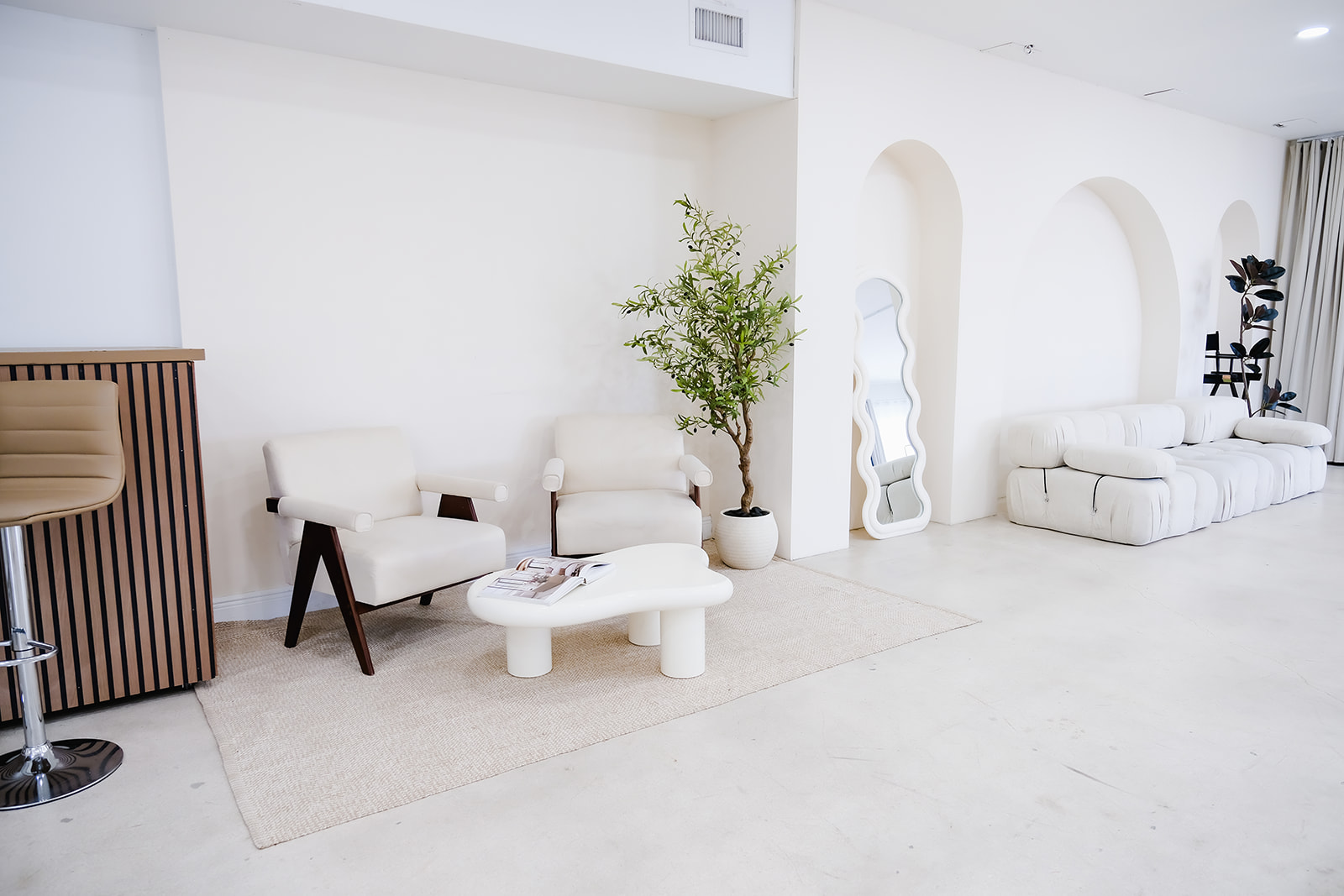
The easiest way to keep the day moving is to divide it into sections instead of thinking of it as one long shoot.
A strong content day usually has four parts:
- Setup and prep
- Priority content first
- Secondary content and variations
- Quick fillers and extra footage at the end
This keeps the most important assets protected in case the day moves faster than expected.
Sample studio content day timeline
Here is a simple example of a 4-hour content day in Miami.
0:00 to 0:30 — Arrival, setup, glam, final prep
Use the first 30 minutes to settle in. Do not start shooting immediately unless everything is fully ready before arrival.
This window should include:
- unloading wardrobe and props
- setting up products or tools
- steaming clothes
- hair and makeup touch-ups
- reviewing the shot list
- confirming the order of looks
This is also the right time to walk through the studio and decide which sets or areas will be used first.
0:30 to 1:30 — Hero content
Start with the most important images and videos first while everyone has the most energy.
This might include:
- website banner images
- key branding portraits
- best outfit look
- product hero images
- campaign photos
- homepage or ad content
If you only get one part of the day perfect, this should be it.
1:30 to 2:30 — Secondary brand content
Once the hero content is done, move into supporting visuals.
This can include:
- seated lifestyle portraits
- detail shots
- hands-at-work images
- multiple crops for social media
- product variations
- founder or team content
This is where the studio’s variety really helps. A space with multiple sets, a clean cyc, natural-light areas, and props lets you get more range without losing time changing locations.
2:30 to 3:15 — Video and vertical content
Now shift into reels, behind-the-scenes clips, talking-head video, or motion content.
This can include:
- walking clips
- camera-facing intros
- product demos
- podcast snippets
- BTS footage
- vertical transitions between looks
By this point, the set is already working, the lighting is dialed in, and you can move quickly.
3:15 to 4:00 — Extra variations and backup content
Use the final stretch to grab anything missing.
This could include:
- close-ups
- alternate poses
- empty set detail shots
- social-friendly crops
- prop swaps
- a few quick bonus videos
This part matters because it gives you insurance. Sometimes the images you end up using most are the simple extras you shot at the end.
Your studio content day shot list
A shot list does not have to be overly formal, but it does need structure. You should know exactly what must be captured before the day begins.
A simple way to build it is to group by category.

1. Brand portraits
These are the images that represent you, your team, or your brand.
Examples:
- standing portrait facing camera
- seated portrait
- working candid
- smiling and serious options
- vertical and horizontal versions
- negative space versions for website design
2. Lifestyle content
These images feel more relaxed and are useful for social posts, about pages, and storytelling.
Examples:
- walking into frame
- adjusting jacket, hair, or jewelry
- holding product or coffee
- sitting casually
- looking away from camera
- interacting with props or furniture
3. Product or service visuals
These are the assets that explain what you sell or what you do.
Examples:
- product on white background
- styled product flat lay
- hands using product
- packaging shots
- product in lifestyle setting
- service demonstration
- tools of the trade
4. Social media content
This category should include platform-friendly content, especially vertical assets.
Examples:
- 9:16 video clips
- behind-the-scenes footage
- talking to camera
- trend-style transitions
- motion clips with props
- still frames for carousel covers
5. Website content
Think about the pages that need visual support.
Examples:
- homepage hero image
- about page portrait
- service page working shot
- booking page lifestyle content
- testimonial or client-facing images
- contact page brand visuals
6. Detail shots
These small images are often overlooked, but they help a lot with content planning later.
Examples:
- close-up of hands
- jewelry or accessories
- laptop, camera, notebook, phone
- product labels
- set details
- glam station prep
- lighting or prop details
What to bring to a studio content day
Planning is not just about time. It is also about not forgetting the things that keep the day moving.
Bring:
- a printed or phone-based shot list
- your outfits in order
- shoes and accessories
- products or props
- extension cords or chargers if needed
- lint roller
- steamer
- makeup for touch-ups
- water and light snacks
- backup memory cards and batteries
If you are shooting for a business, also bring anything brand-specific:
- packaging
- signage
- branded colors
- notebooks or office tools
- marketing materials
- props that make the content feel like your business
How to choose outfits for a content day
Outfits can either help the shoot flow or slow it down.
The best approach is to choose looks that feel visually distinct without needing a full reset every time. Think in terms of variety, not just quantity.
A good formula is:
- one polished look
- one casual look
- one brand-colored look
- one neutral backup option
Try to avoid bringing ten outfits and hoping to decide on the spot. That usually wastes time. Decide in advance which outfit goes with which set and content type.
For example:
- outfit one for homepage and hero images
- outfit two for lifestyle and candids
- outfit three for video clips
- outfit four for detail or alternate brand content
Common mistakes to avoid
Trying to shoot too much
More content is not always better if it becomes scattered. Focus on what you will actually use.
Starting without a shot list
This almost always leads to wasted studio time.
Saving the important content for later
Always start with the most valuable assets first.
Bringing too many props
Props should support the content, not clutter it.
Not planning for vertical and horizontal crops
A lot of people forget to capture both, then struggle later when designing website banners or reels covers.
Ignoring transitions
Every outfit change, lighting adjustment, and set swap takes time. Build that into the schedule.
Why a studio content day works so well in Miami
Miami is a visual city, but it is not always an easy city to shoot in. Heat, rain, wind, traffic, parking, and changing daylight can make location shoots unpredictable.
A studio gives you more control. It also gives you consistency, which matters if you are trying to batch content that has to feel cohesive across a website, social feed, launch campaign, or product catalog.
That is why so many brands, photographers, and creators choose a Miami photo studio for their content days instead of relying on outdoor locations alone.
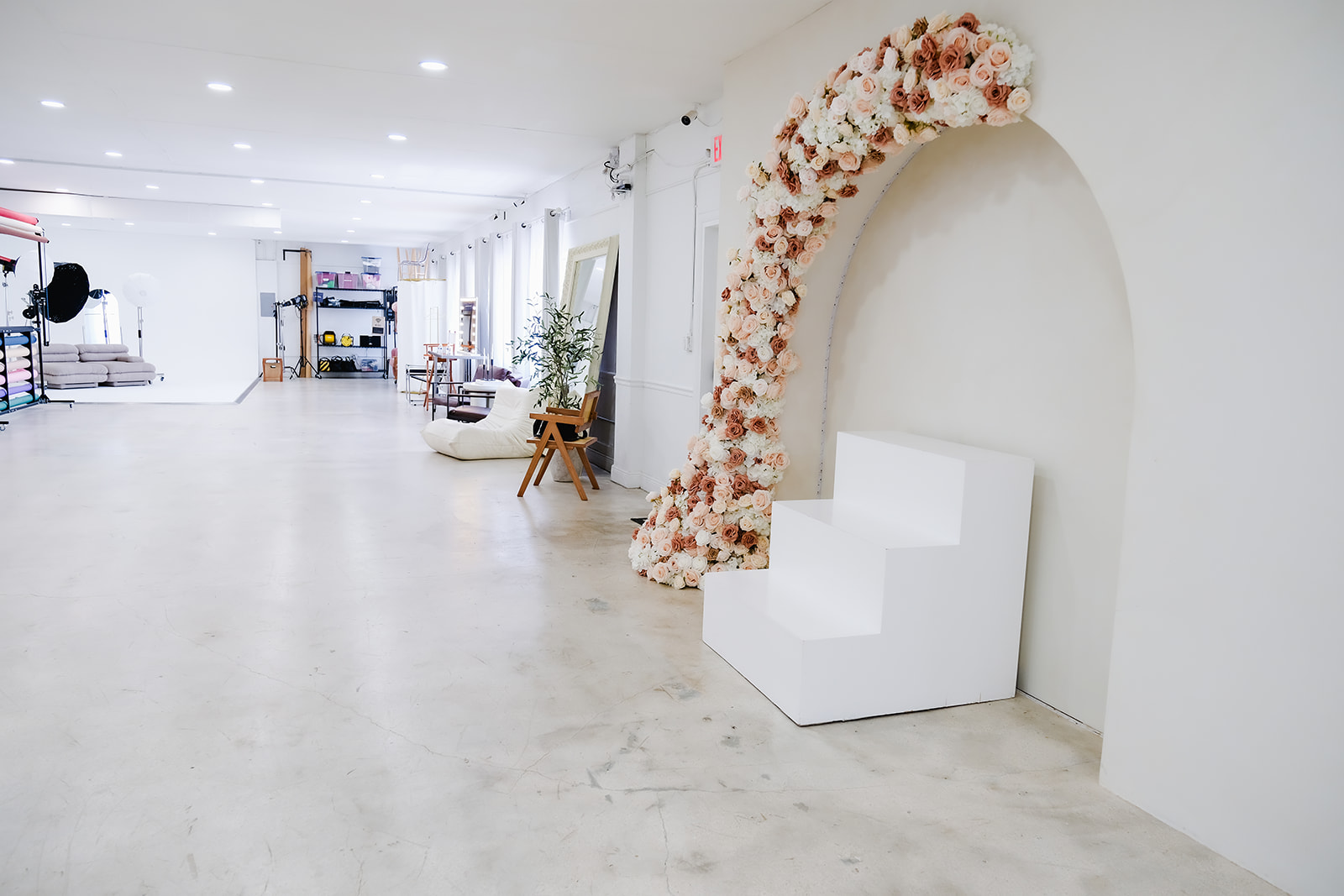
A good studio also helps you get more from one booking. If the space includes clean backdrops, multiple looks, a glam station, props, lighting, and easy parking, then the day becomes much easier to manage.
Final thoughts
Planning a studio content day in Miami is not about making the day feel over-structured. It is about giving yourself enough clarity that you can stay creative without becoming chaotic.
The best content days usually feel smooth, not rushed. They have a clear purpose, a realistic timeline, and a shot list that reflects what the brand or creator actually needs.
If you take the time to prepare before you step into the studio, you will leave with stronger content, less stress, and far more assets you can use across your website, social media, and marketing.
That is the real value of a good content day. It is not just one shoot. It is weeks or even months of useful content captured in a single, well-planned session.
And when the studio itself is designed to support that flow, everything gets easier. Virtual tour here. See directions here.
View our Peerspace listing. Conveniently located near Coral Gables, Kendall, Wynwood, Brickell, Downtown Miami, Miami Beach, Homestead, and Fort Lauderdale, we’re easy to get to from anywhere in South Florida. View all service areas here.


